mirror of
https://github.com/AstrBotDevs/AstrBot
synced 2026-07-16 01:40:15 +08:00
 ae29a7eaf9
- Add ExaWebSearchTool (web_search_exa) with keyword/semantic search,
  category filters, domain restrictions, and date range support
- Add ExaGetContentsTool (exa_get_contents) for extracting web page content
- Add _exa_search() and _exa_get_contents() API helpers hitting
  https://api.exa.ai/search and https://api.exa.ai/contents
- Add _EXA_KEY_ROTATOR for multi-key rotation
- Register Exa tools in _apply_web_search_tools() dispatch
- Add Exa to WEB_SEARCH_CITATION_TOOL_NAMES for citation support
- Add websearch_exa_key config default and provider option
- Add i18n metadata for en-US, zh-CN, ru-RU
- Add Exa section to docs (en + zh)
- Add 6 unit tests covering search, contents, error handling, and
  legacy config migration

Closes #5621
1.9 KiB
1.9 KiB
网页搜索
网页搜索功能旨在为大模型提供联网检索能力,以获取最近信息,一定程度上能够提高回复准确度,减少幻觉。
AstrBot 内置的网页搜索功能依赖大模型提供 函数调用 能力。如果你不了解函数调用,请参考:函数调用。
在使用支持函数调用的大模型且开启了网页搜索功能的情况下,您可以试着说:
帮我搜索一下 xxx帮我总结一下这个链接:https://soulter.top查一下 xxx最近 xxxx
等等带有搜索意味的提示让大模型触发调用搜索工具。
AstrBot 当前支持 6 种网页搜索源接入方式:Tavily、BoCha、百度 AI 搜索、Brave、Firecrawl、Exa。
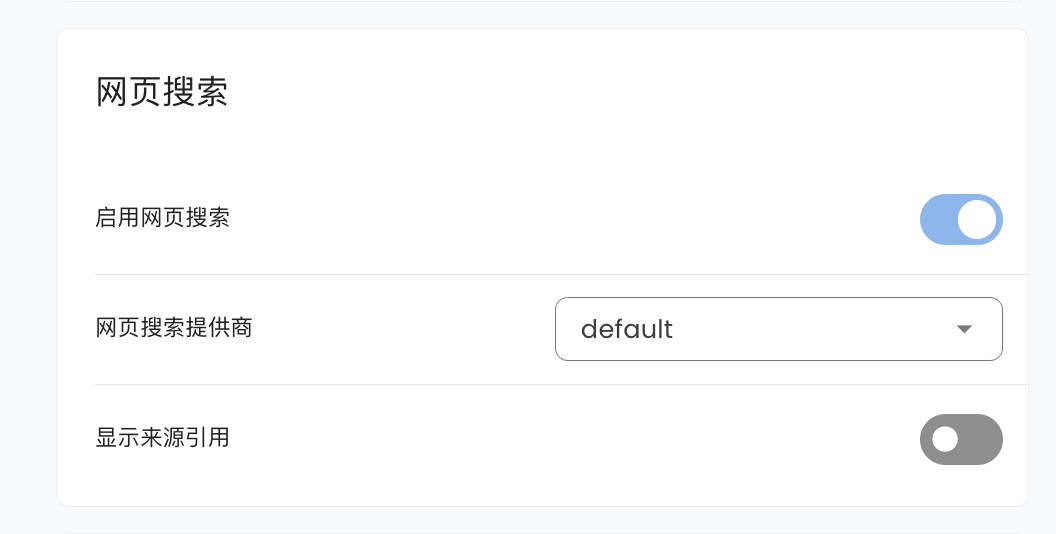
进入 配置,下拉找到网页搜索,您可选择 Tavily、BoCha、百度 AI 搜索、Brave、Firecrawl 或 Exa。
Tavily
前往 Tavily 得到 API Key,然后填写在相应的配置项。
BoCha
前往 BoCha 平台获取 API Key,然后填写在相应的配置项。
百度 AI 搜索
前往百度千帆 APP Builder 获取 API Key,然后填写在相应的配置项。
Brave
前往 Brave Search 获取 API Key,然后填写在相应的配置项。
Firecrawl
前往 Firecrawl 获取 API Key,然后填写在相应的配置项。
Exa
前往 Exa 获取 API Key,然后填写在相应的配置项。Exa 是一个 AI 原生搜索引擎,支持关键词和语义搜索,提供分类过滤、域名限制和日期范围等高级搜索功能。
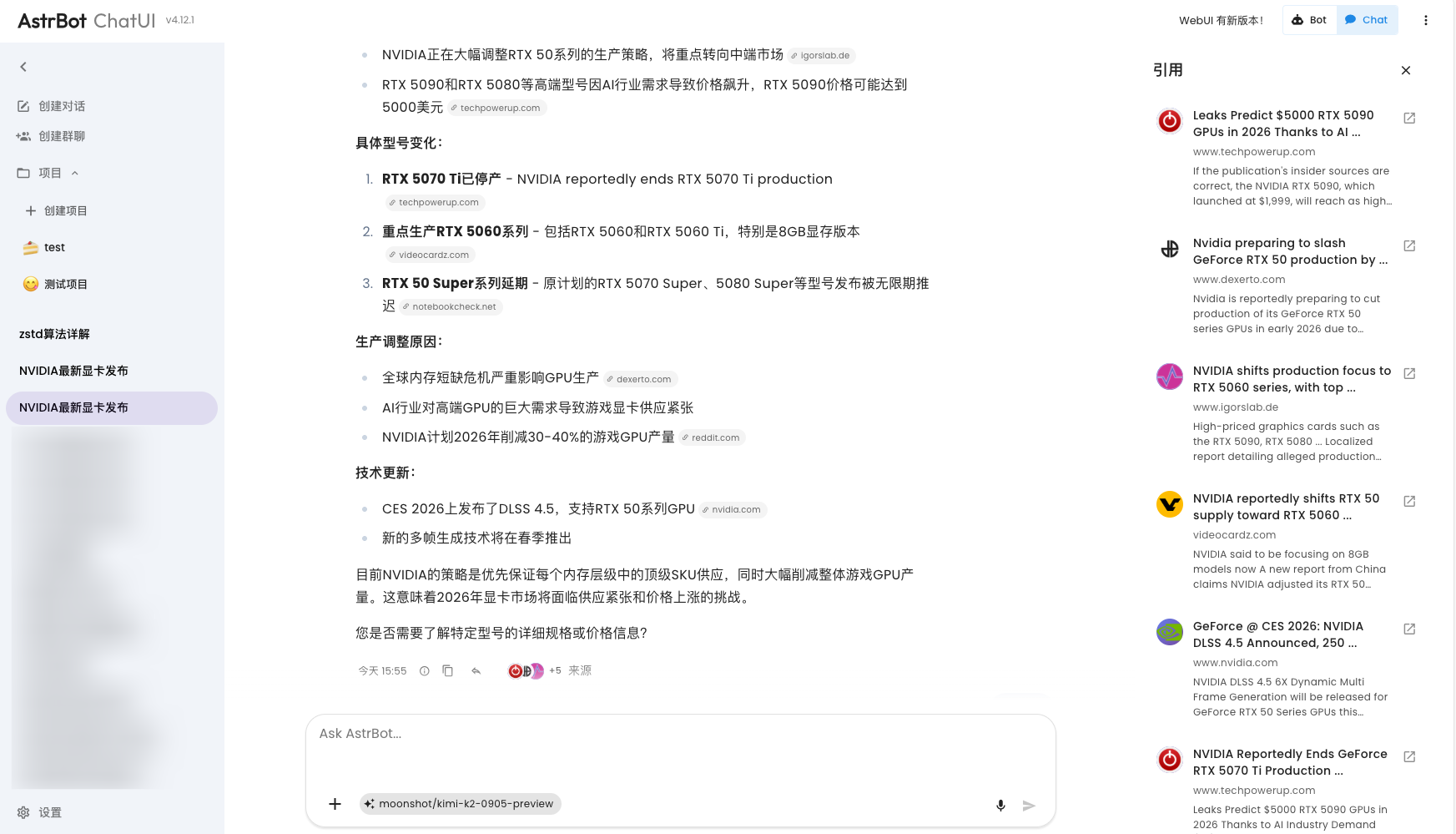
如果您使用 Tavily 作为网页搜索源,在 AstrBot ChatUI 上将会获得更好的体验优化,包括引用来源展示等: