# GitLab导致8080端口冲突
## 问题复现
安装完`GitLab`后,修改配置文件`/etc/gitlab/gitlab.rb`
```
##external_url 'http://gitlab.example.com'
external_url 'http://localhost:8800'
```
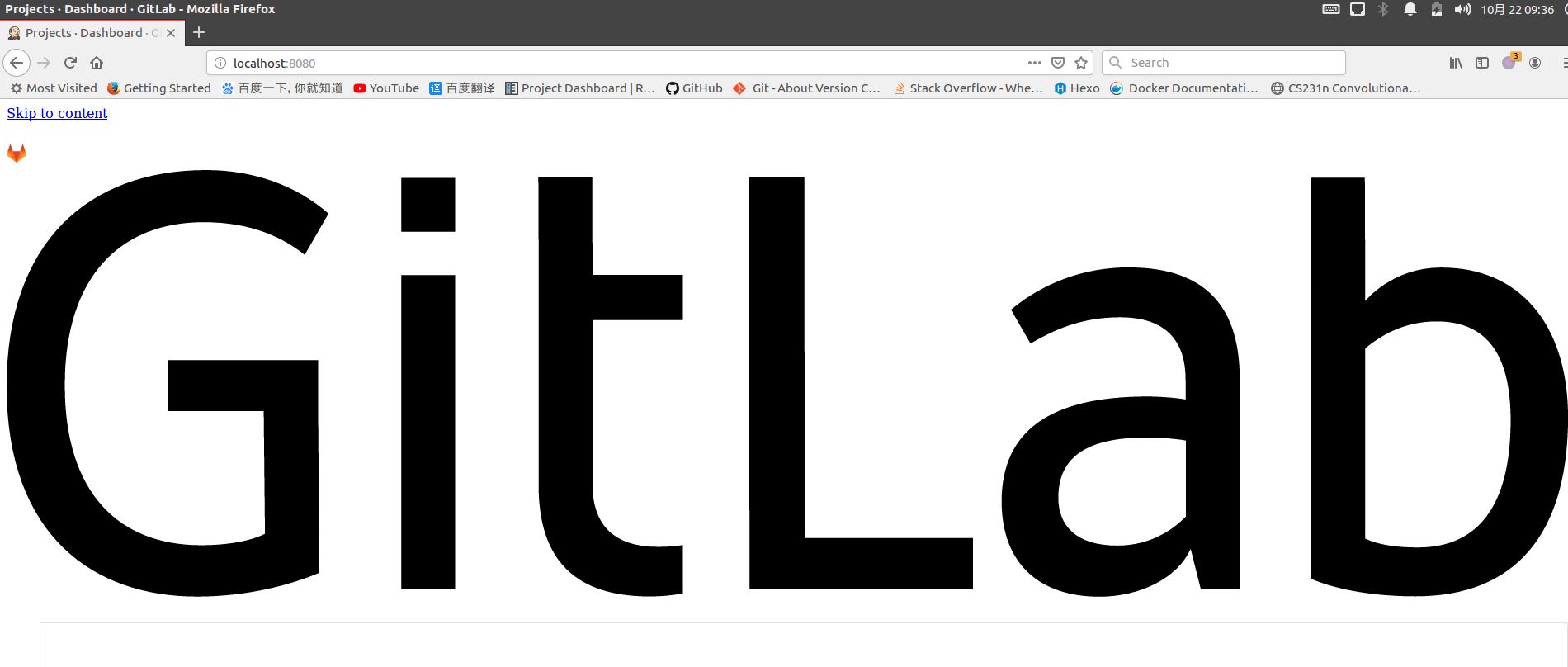
本以为这样就能修改`GitLab`端口号为`8800`了,没想到再次登录`8080`仍旧出现了`GitLab`页面
## 问题解析
查询哪个程序监听了`8080`端口
```
# netstat -lnp | grep 8080
tcp 0 0 127.0.0.1:8080 0.0.0.0:* LISTEN 26436/config.ru
```
查询相应的进程
```
# netstat -lnp | grep 26436
tcp 0 0 127.0.0.1:8080 0.0.0.0:* LISTEN 26436/config.ru
unix 2 [ ACC ] STREAM LISTENING 343538 26436/config.ru /var/opt/gitlab/gitlab-rails/sockets/gitlab.socket
```
仍然是`GitLab`在监听`8080`端口,参考[gitlab 8.13 80 8080端口冲突问题](https://blog.csdn.net/vbaspdelphi/article/details/52979836),查看配置文件`unicorn.rb`
```
# This file is managed by gitlab-ctl. Manual changes will be
# erased! To change the contents below, edit /etc/gitlab/gitlab.rb
# and run `sudo gitlab-ctl reconfigure`.
# What ports/sockets to listen on, and what options for them.
listen "127.0.0.1:8080", :tcp_nopush => true
```
默认情况下`unicorn`同样监听`8080`端口,查询`/etc/gitlab/gitlab.rb`中相应的设置
```
# cat gitlab.rb | grep unicorn
#unicorn['port'] = 8800
```
## 解决方案
需要在`gitlab.rb`上同时修改`unicorn`监听端口号,修改配置文件`/etc/gitlab/gitlab.rb`如下
```
##external_url 'http://gitlab.example.com'
external_url 'http://localhost:8800'
unicorn['port'] = 8801
```
重新启动`GitLab`
```
# gitlab-ctl reconfigure
# gitlab-ctl restart
```
查询配置文件`/var/opt/gitlab/gitlab-rails/etc/unicorn.rb`
```
# cat unicorn.rb | grep listen
# What ports/sockets to listen on, and what options for them.
listen "127.0.0.1:8801", :tcp_nopush => true
```
测试端口号
```
$ curl localhost:8080
curl: (7) Failed to connect to localhost port 8080: Connection refused
$ curl localhost:8800
...
...
# curl localhost:8801
You are being redirected.
```