mirror of
https://github.com/MaaAssistantArknights/MaaAssistantArknights.git
synced 2026-07-16 01:40:46 +08:00
 57fbe81be1
Co-authored-by: wlwxj <d1ve_wh4le@outlook.com>
Co-authored-by: Rbqwow <55343783+Rbqwow@users.noreply.github.com>
Co-authored-by: Constrat <56174894+Constrat@users.noreply.github.com>
Co-authored-by: HX3N <scarlet7518@gmail.com>
Co-authored-by: Wallsman <63186641+wallsman@users.noreply.github.com>
Co-authored-by: Loong <wangl.cc@outlook.com>
Co-authored-by: 神代綺凛 <i@loli.best>
Co-authored-by: SherkeyXD <57581480+SherkeyXD@users.noreply.github.com>
116 lines
8.0 KiB
Markdown
116 lines
8.0 KiB
Markdown
---
|
|
order: 3
|
|
icon: mingcute:git-pull-request-fill
|
|
---
|
|
|
|
# GitHub Pull Request User Guide
|
|
|
|
This document is machine-translated. If you have the ability, please refer to the Chinese version. We would greatly appreciate any errors or suggestions for improvement.
|
|
|
|
::: warning
|
|
Many concepts in this tutorial have been simplified in order to make it more accessible to a wider audience, even at the expense of some elegance and accuracy.
|
|
For those who have experience using Git and programming knowledge, you may refer to the more advanced tutorial in [Development](./development.md)
|
|
:::
|
|
|
|
## Basic concepts and terminology
|
|
|
|
This chapter contains slightly dry content. If you're not interested, you can skip directly to the practical section below. If there is anything you don't understand, you can come back to read this chapter later.
|
|
|
|
### Repository
|
|
|
|
"Repo" is short for "repository," which is the place where we store our code and other resource files.
|
|
|
|
👇 You can think of the current web page and all of its contents as the repository for MAA (we usually refer to it as MAA's main repository).
|
|
|
|

|
|
|
|
### Fork
|
|
|
|
Copy, literally meaning to make a copy of MAA's code, and then perform subsequent modifications and operations to avoid damaging the original.
|
|
|
|
Since it's a copy, let's assume it's called `MAA (1)`.
|
|
To distinguish it from the original repository, we usually refer to the original MAA repository as "main repository", "upstream", or "origin".
|
|
Since everyone can make a copy of their own, the copied repository is called a "personal repository".
|
|
|
|

|
|
|
|
### Pull Request
|
|
|
|
Continuing from the previous section, after you have made changes to your forked personal repository, how do you provide the changes to the main repository? This is when you can open a pull request (PR) to request that your modified content be added to the main repository.
|
|
|
|
Of course, since it's a "request", it naturally requires approval. MAA Team may provide feedback on your modifications, but our feedback may not necessarily be entirely correct. Let's have a reasonable discussion together~
|
|
|
|
👇 The following are the PRs currently submitted by contributors and awaiting approval from MAA Team.
|
|
|
|

|
|
|
|
### Conflict
|
|
|
|
Assuming that there is a file called A in the main repository with the content 111. You forked a copy and changed its content to 222. However, just as you were about to submit the PR, another person named Zhangsan forked a copy and submitted a PR with changes to the A file, changing it to 333.
|
|
Now we have a conflict, as both of you have modified the A file but in different ways. This conflict can be difficult to resolve, and here we are only explaining the concept to help you understand what has happened when you encounter it, without going into the details of the solution.
|
|
|
|
## Full Process of Pure Web-based PR Operation
|
|
|
|
1. First, go to the MAA main repository and fork a copy of the code.
|
|
|
|

|
|
|
|
2. Remove the "Only master branch" option, then click "Create Fork".
|
|
|
|

|
|
|
|
3. You will be taken to your personal repository, which will have a title of "Your Name/MaaAssistantArknights", with a small note below stating "forked from MaaAssistantArknights/MaaAssistantArknights" (copied from the MAA main repository).
|
|
|
|

|
|
|
|
4. Switch to the "dev" branch (the concept of branches is not relevant to this tutorial, so we will skip discussing it here, but you just need to follow these instructions to switch branches).
|
|
|
|

|
|
|
|
5. Find the file you want to modify. You can click "Go to file" to search for it globally, or you can navigate through the folders below (if you know where the file is located).
|
|
|
|

|
|
|
|
6. After opening the file, click on the ✏️ icon on the top right corner of the file to start editing.
|
|
|
|

|
|
|
|
7. Make your changes! (If it's a resource file, we recommend testing the changes in your local MAA folder before pasting them in the web page to avoid errors).
|
|
8. When you finish editing, scroll to the bottom of the page and describe your changes.
|
|
|
|

|
|
|
|
9. Need to edit another file? Made a mistake and want to change it again? No problem! Simply repeat steps 5-8 for the other file.
|
|
10. When all changes are made, create a Pull Request by going to the Pull Request tab in your personal repository.
|
|
If there is a "Compare & Pull Request" button, that's great, just click it! If not, don't worry, clicking "New Pull Request" below is also the same (see step 11).
|
|
|
|

|
|
|
|
11. Now you are in the main repository, please double-check the changes you want to PR.
|
|
As shown in the figure, there is a leftward arrow, which means you want to merge the dev branch from your forked repository "Your name/MAA" to the dev branch of the main repository "MAA".
|
|
Then, write a title and description of your changes, and click "Create Pull Request".
|
|
|
|

|
|
|
|
12. Just wait for the MAA Team's experts to review it! Of course, they may also provide some comments,
|
|
👇 for example (for entertainment purposes only, do not take it seriously):
|
|

|
|
|
|
13. If they request further changes, go back to your personal repository, switch to the dev branch, and repeat steps 3-9!
|
|
Note that you do not need to redo step 2 (re-fork) or step 10 (re-Pull Request), your current Pull Request is still pending review, and subsequent changes will be added directly to this Pull Request.
|
|
👇 For example, you can see that "revised demo" has been added at the bottom.
|
|

|
|
|
|
14. Once the experts approve the PR, you're all set! After the version is released, your GitHub avatar will automatically be added to the contributors list. Thank you very much for your selfless dedication!
|
|
[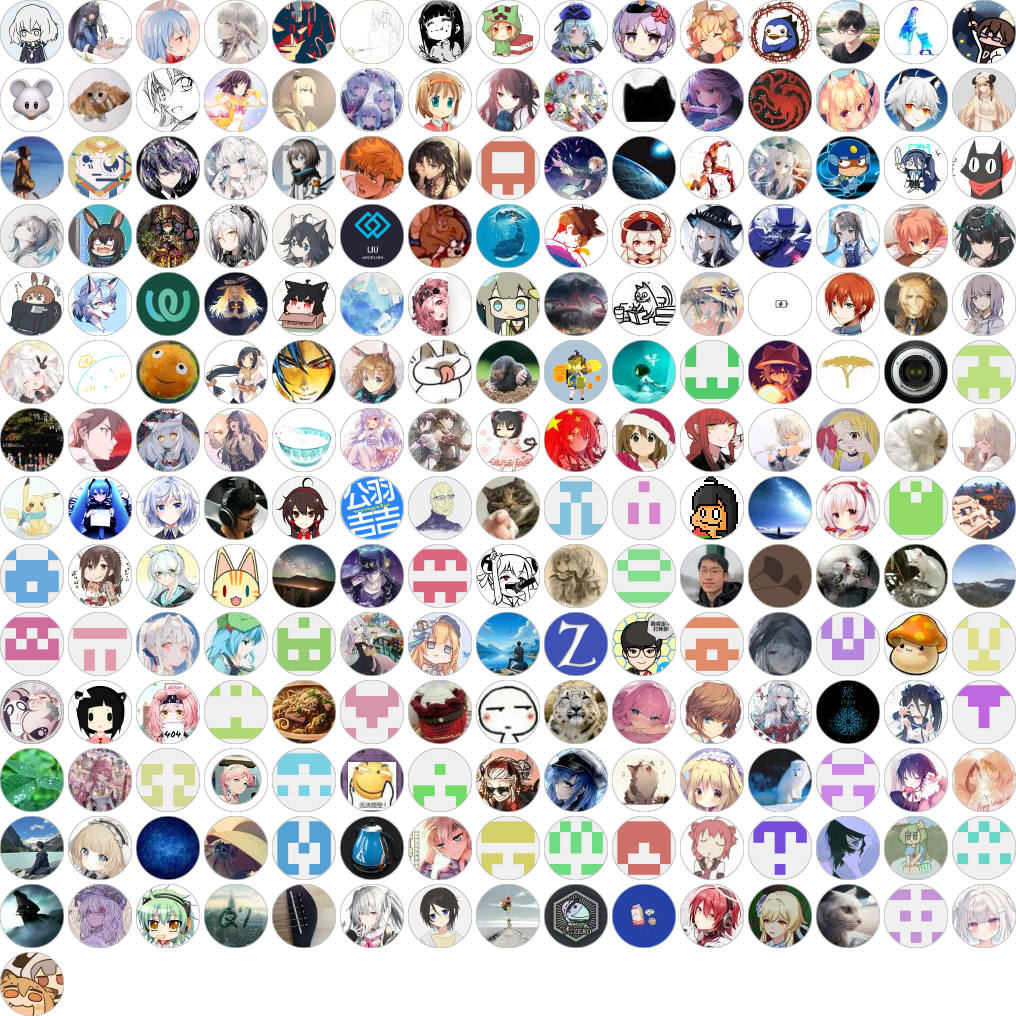](https://github.com/MaaAssistantArknights/MaaAssistantArknights/graphs/contributors)
|
|
|
|
15. Next time if you want to submit another PR, please switch to the dev branch first, and then follow the steps in the image below.
|
|
**Please note!** This operation will forcibly synchronize your personal repository to the exact same state as the main repository. This is the simplest but effective way to resolve conflicts. However, if you have made additional edits in your personal repository, they will be directly deleted!
|
|
If you are sure that it will not cause conflicts, please use the green Update Branch button on the right.
|
|
|
|
If you are not sure or don't care about what I said above, please click the button on the left.
|
|
|
|

|
|
|
|
Then repeat steps 3-14, make changes and submit PR.
|